
Free on iPhone & iPad
A little merge.
A whole
new world.
Drop something small. Make something wonderful. A physics puzzle that takes you from the ocean floor to your favorite city.
No ads. No in-app purchases. Just one more merge.
to Kraken.
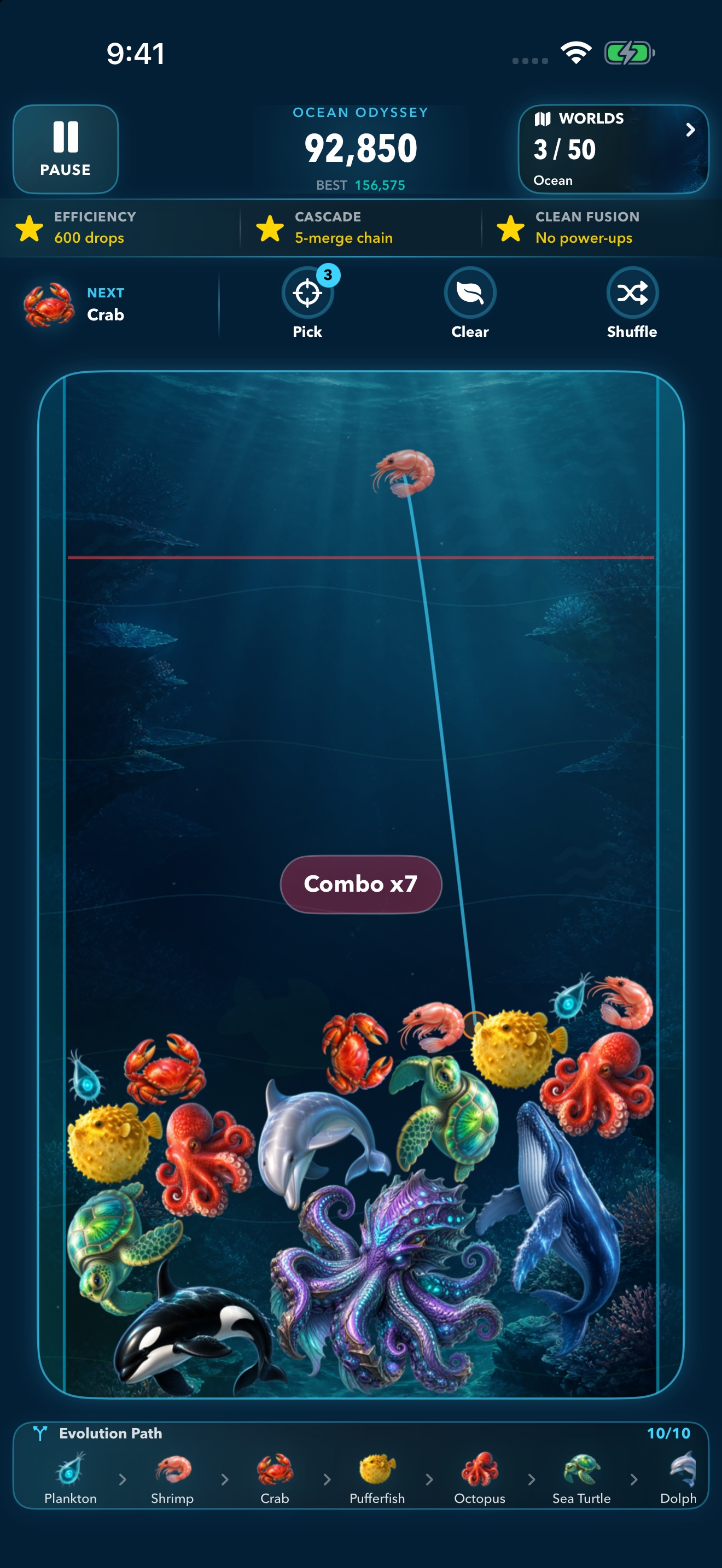
Legendary finales.
- 01
Drop.
Choose your spot and release a piece. Gravity takes it from there.
- 02
Merge.
Bring matching pieces together. Watch them become something new.
- 03
Discover.
Follow ten evolving forms, then merge the final pair for a spectacular Final Fusion.
A change of scenery. A new strategy.
Where will you
merge next?
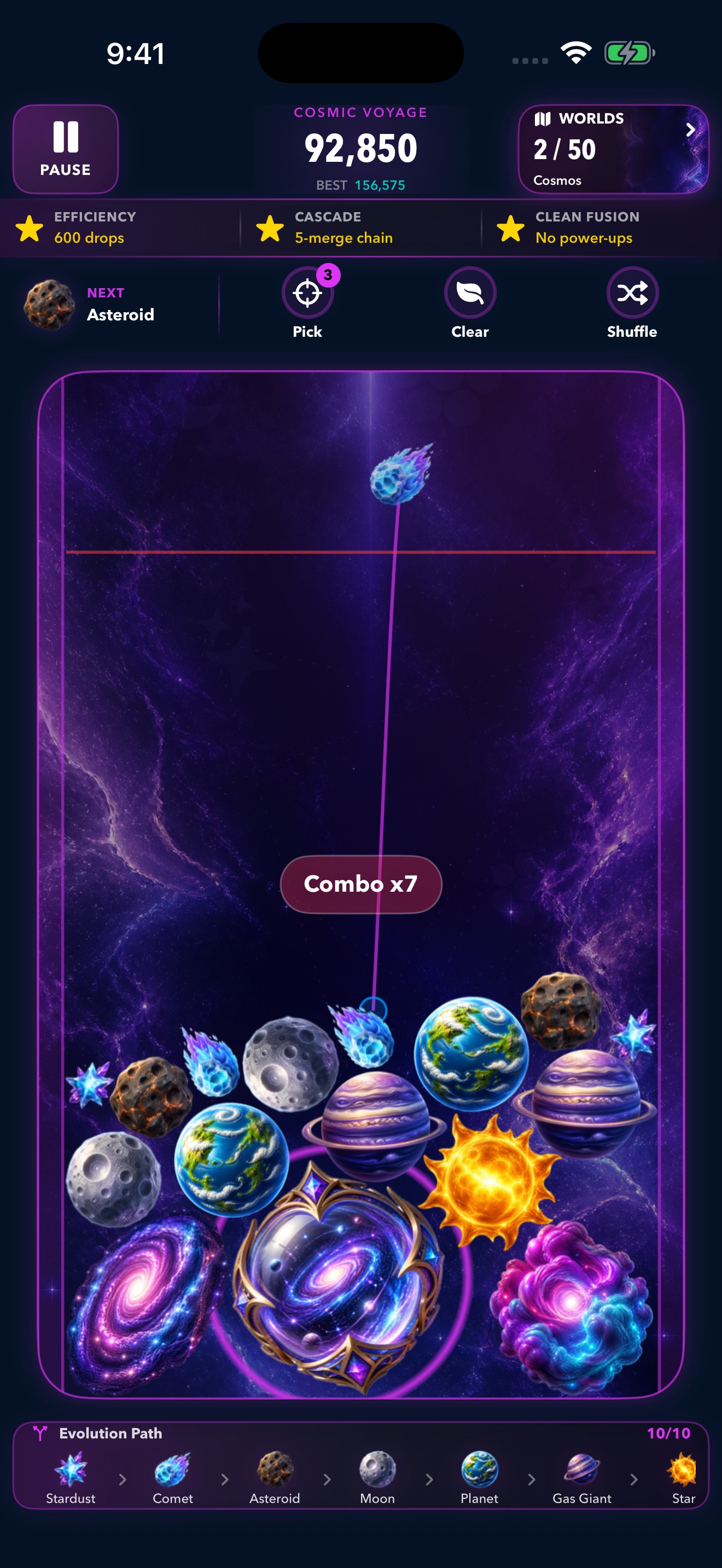
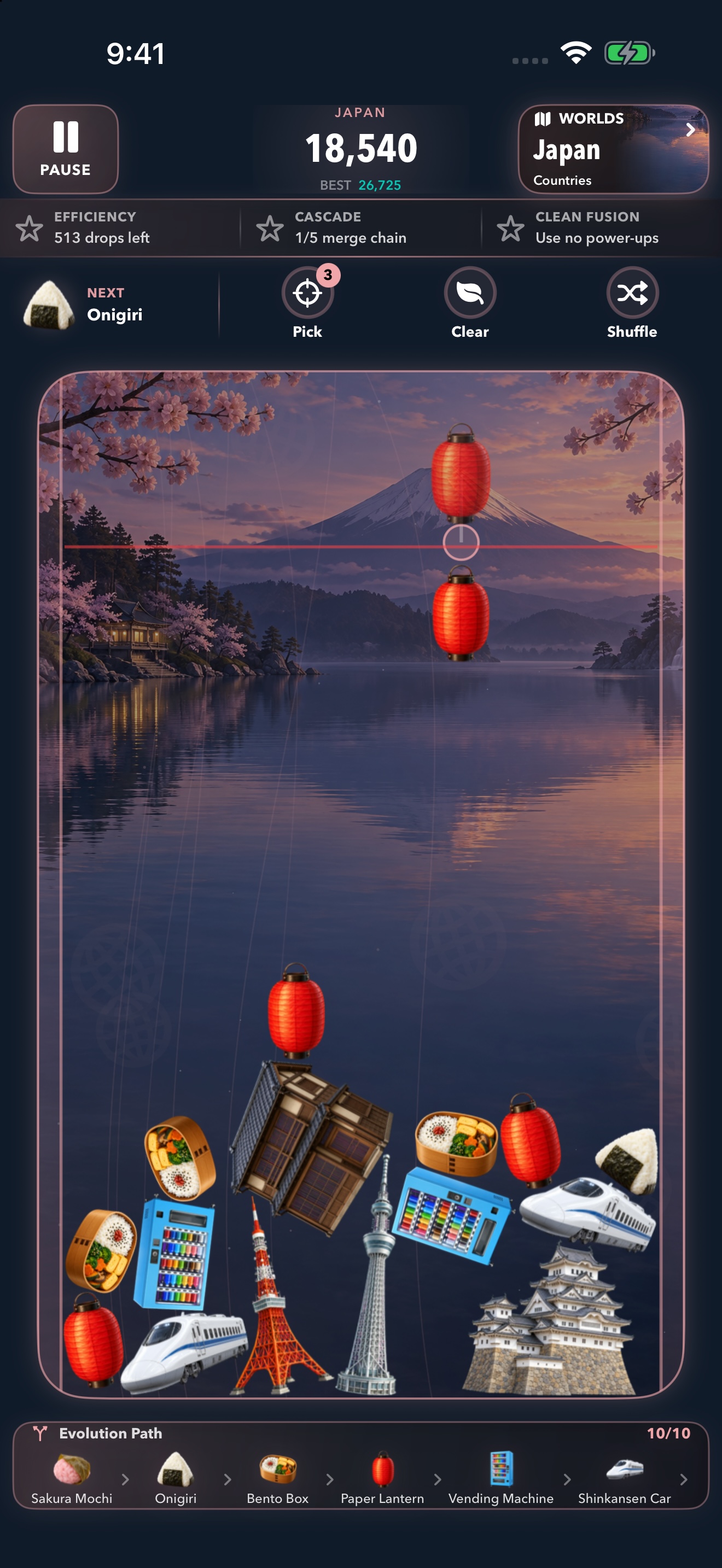
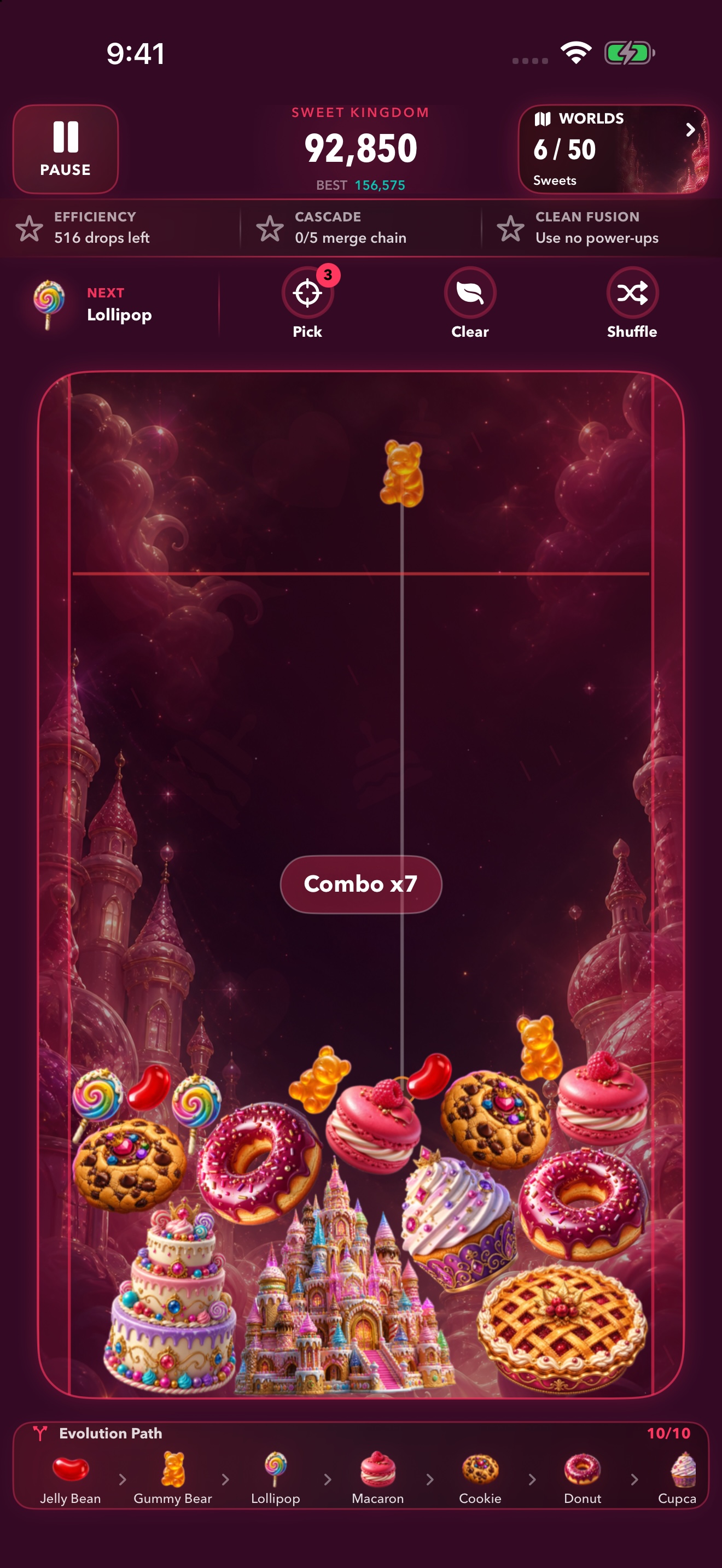
Sea creatures. Sweet treats. Celestial wonders. Familiar places with extraordinary endings. Every world brings a different collection to life.
Cosmic Voyage
Japan
Sweet Kingdom
Follow the Main Journey through 50 worlds, or choose your own route through 90 downloadable countries and cities in Explore.
Main Journey plays offline. Explore worlds play offline after download.
See the real game
That “one more
merge” feeling.
A 29-second look at real gameplay: merging sweets and wildlife, exploring destinations, and celebrating a Final Fusion.
Relaxed
More room to experiment.
Classic
Find your rhythm. Plan your next move.
Expert
Chase precision, stars, and your personal best.
A world worth cheering for
Play for your
favorite place.
Your Explore scores can help countries and cities climb the monthly community rankings. Visit five different Explore worlds and score points in each during the month to earn your passport stamp.
Community rankings require iCloud. Player leaderboards and achievements use Game Center.
Before your first drop
Good to know.
Is Merge Horizon really free?
Yes. The current game is free to download and play, with no ads, subscriptions, or in-app purchases.
Can I play without internet?
The 50 Main Journey worlds are included and play offline. Explore destinations need an internet connection for their initial artwork download, then play offline too. Online rankings and cloud sync need Apple’s services.
Which devices and languages are supported?
iPhone and iPad running iOS or iPadOS 17 or later. Play in English, Spanish, Indonesian, Japanese, Korean, Brazilian Portuguese, Russian, Thai, or Traditional Chinese.
Do I need to create an account?
No separate game account is required. You can play without signing into Game Center. Game Center and iCloud are used for their respective online features.
Your next discovery is one drop away.
Make room for
something wonderful.
Download Merge Horizon — free Already exploring?
Find answers and get help with your game.